
Coming December 2026
Keep what mattered.
Make it a book.
Photos, videos, notes, dates and little pieces of life — kept together in a private book that’s yours to revisit.

Coming December 2026
Photos, videos, notes, dates and little pieces of life — kept together in a private book that’s yours to revisit.
Chapter one
Trips, friendships, ordinary Tuesdays, entire years. Build around whatever you want to remember.
Chapter two
Place the photo crooked. Add the note you almost forgot. Frame the video. Mark the date. Every page is yours to arrange.
Chapter three
Turn a page instead of scrolling a feed. Find the moment where you left it — with the date, the note, and everything around it still intact.
Chapter four
Indexed by date, title, place and person. The memory you half-remember is two taps away.
Inside the book
A memory is rarely just the photo. It’s what someone said, where you were, the date you forgot, the song playing, the little thing you kept. Remzy gives all of it somewhere to live together.
Your camera roll remembers
what happened. Remzy remembers
why it mattered.
On this day
Remzy brings a page back on the day it happened — the same date, a year on. Not a notification. A page you already made, waiting where you left it.
— one year ago today —
Private by design
Remzy is for remembering, not being watched. There is no timeline to post to, no counter to watch, and no algorithm deciding which parts of your life resurface. Your books stay yours unless you choose to share them.
Private until you decide otherwise.
Share a book with someone — not the internet.
Made for ten years from now, not ten seconds of attention.
Built to keep
Nothing expires. Nothing gets buried under newer things. A book you made in 2026 opens the same way in 2036.
The photo is only part of what happened. Remzy keeps the date, the note, the scrap you saved — together, so the story survives with it.
Coming December 2026
Remzy opens December 2026. Leave your email and we’ll tell you when it’s time to make your first book.
We'll only use this to tell you about the launch.
The app
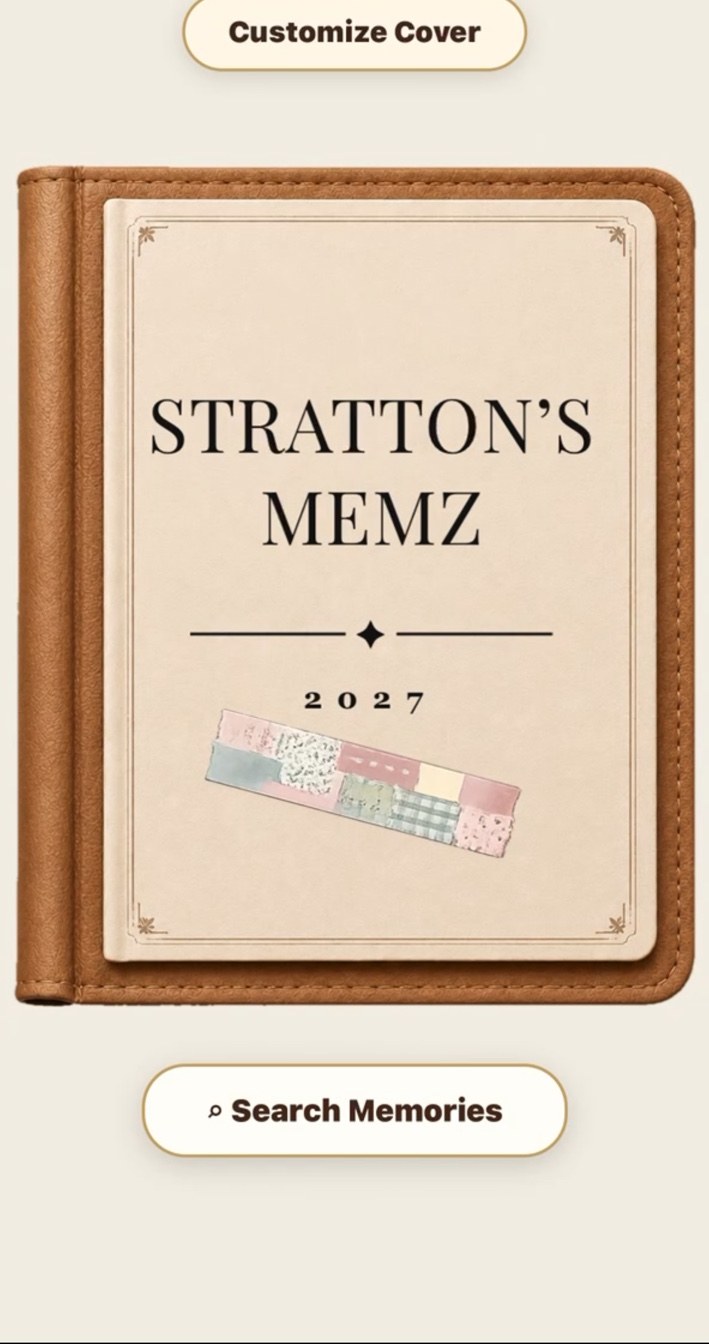
01
Name it, set the year, choose the binding.
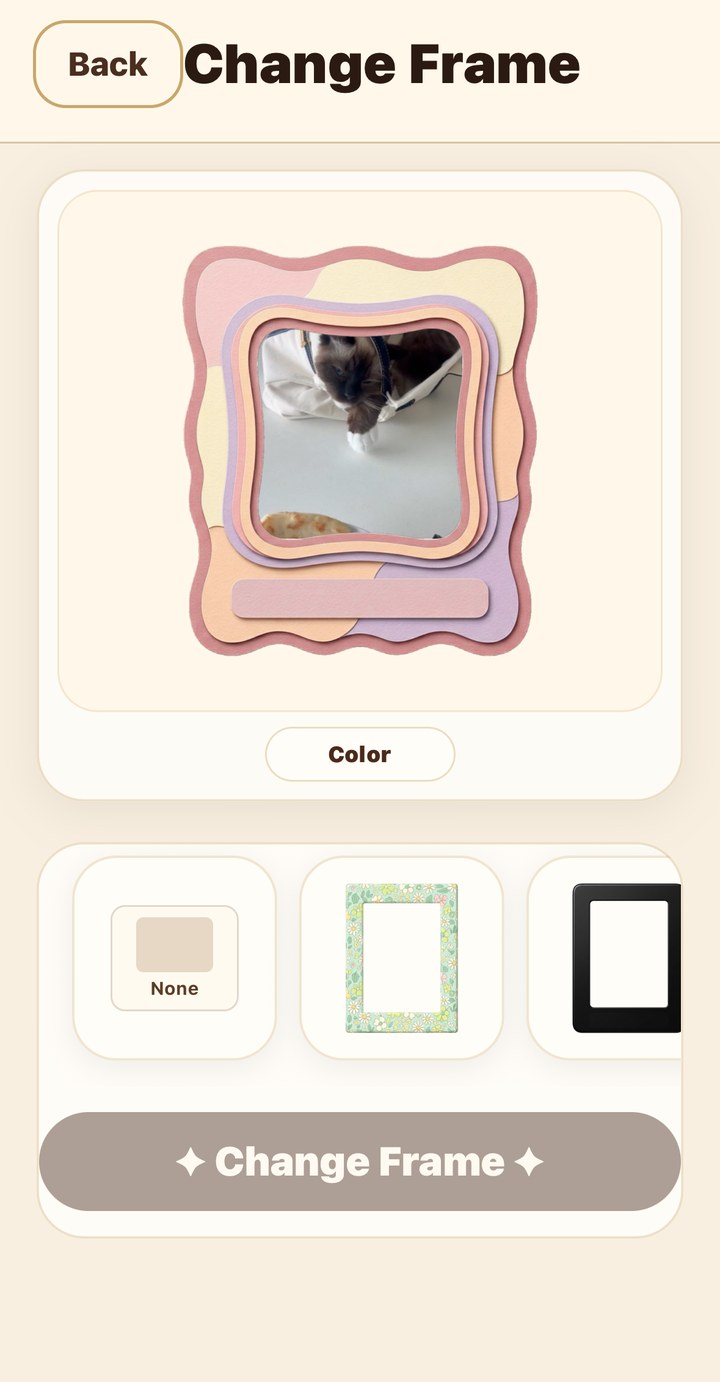
02
Place the photo. Pick a frame. Add the note and the date.
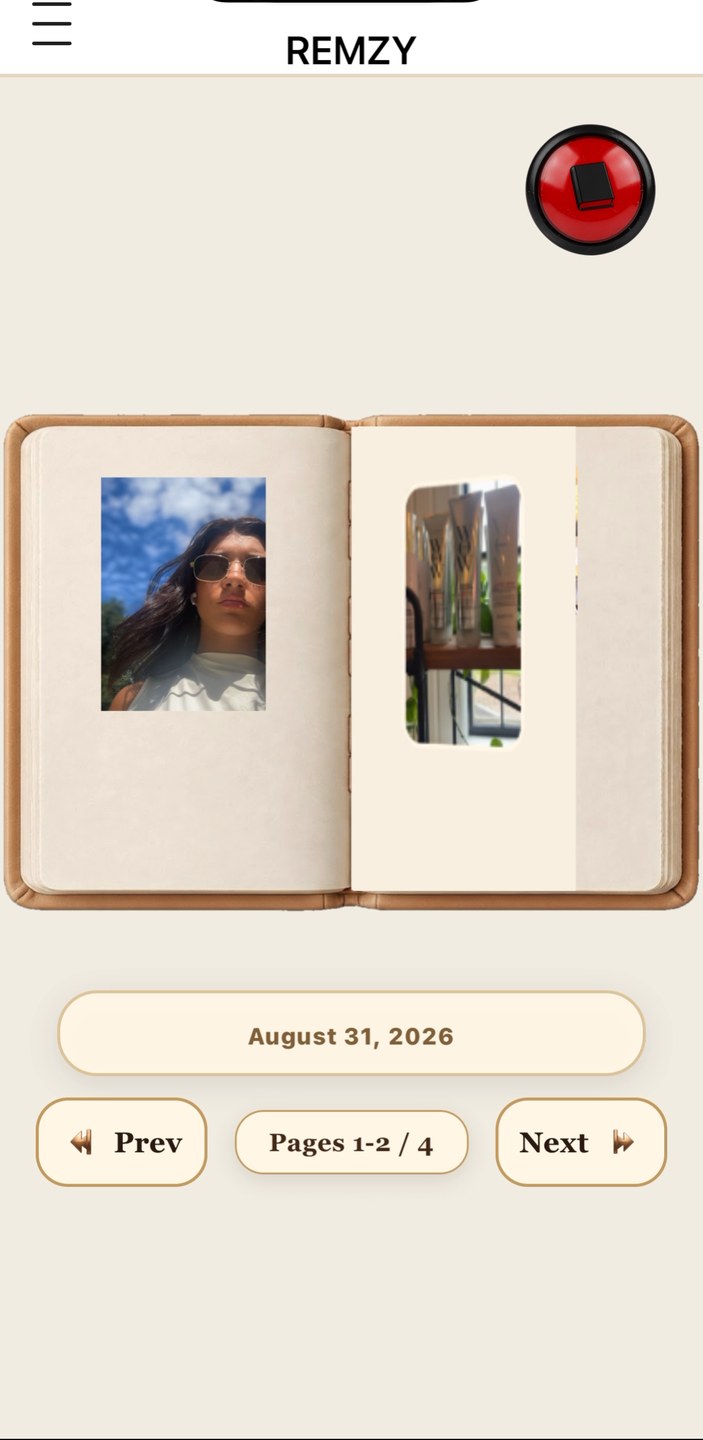
03
Turn the pages, any time, for as long as you keep it.